A Push Alert or a News Bulletin? Choose by What You Need to Know
Choose a push alert or news bulletin by what you need to know, so you catch urgent changes without letting every update interrupt your attention.

A push alert is best when one new development could change what you do next; a news bulletin is better when you need several updates gathered into a clearer picture. Choosing between them is not a vote for speed or depth. It is a way to match the news format to your purpose, from checking whether a journey is disrupted to catching up after work.
Start by naming the decision or question behind your interest. Then decide how soon you need an answer, how much context it requires and whether you can give the story your attention now. That small pause can make the difference between useful interruption and a phone that keeps tugging at your sleeve.
Start with the question you need answered
Before changing notification settings or opening a bulletin, finish this sentence: “I need to know whether…” The answer might be whether a local road is closed, whether a public meeting has changed its time, or what has emerged from a developing story. Each calls for a different rhythm of news.
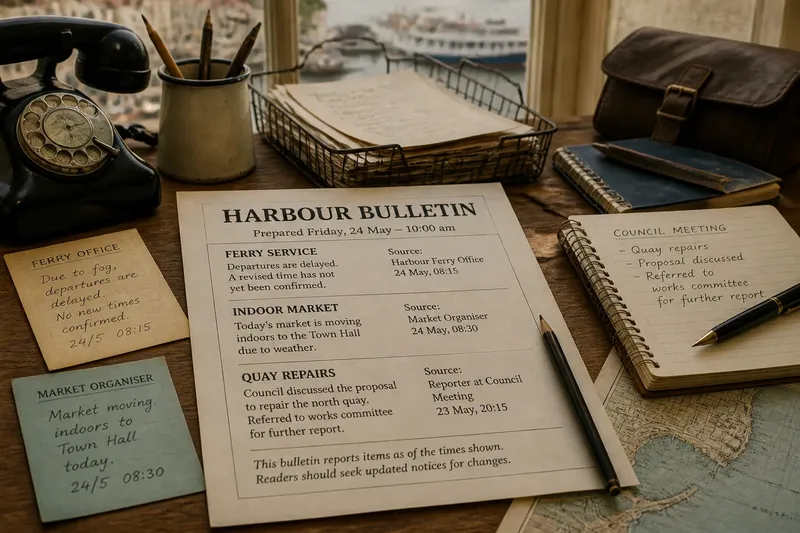
If one change could affect an immediate choice, a push alert may suit you. It delivers a brief notification when a newsroom judges that a development merits prompt attention. If you want to understand how several developments fit together, a bulletin can be more useful: it groups selected items in one place, often as a scheduled email, app edition or web page.
Be precise about the purpose. “Keep up with the story” is broad enough to invite endless updates; “know if the council meeting is postponed” gives you a clear stopping point. That boundary will help you judge whether another alert is informative or merely another nudge to look.
Choose a push alert for a change that cannot wait
Push alerts work best for developments with a short window of practical relevance: a service interruption, an official emergency notice or a significant change in a live public event. The format is compressed by design. It tries to tell you what has happened and why the newsroom thinks it matters, not to provide every detail or explain the whole history.
That compression means an alert should be treated as a doorway, not the entire report. Read its wording carefully, then open the linked story if the detail matters to you. The full report may clarify what is confirmed, what remains uncertain, who is affected and when the next update is expected. A notification can also arrive before the article has been fully developed, so avoid treating a brief line as the final account.
Use the alert setting that matches your question. A single topic or local-news channel is usually easier to interpret than enabling every category. If an app offers urgent alerts separately from routine breaking-news notifications, consider which you actually need. Your phone’s notification controls can also let you silence a publication without deleting it or losing access to its reporting.
Choose a bulletin when several updates belong together
A bulletin is useful when the value lies in selection and arrangement rather than immediacy. It might gather the day’s main political developments, explain changes to local services or collect updates on a continuing public issue. Instead of asking you to react to each item as it arrives, it offers a set of stories you can scan or read in sequence.
Check how the bulletin is organised. Does it separate major developments from lighter items? Does each entry link to fuller reporting? Is it published on a schedule that fits when you can read? A bulletin that arrives at the right time but buries its most relevant story may not serve your purpose; one with a clear table of contents or concise section headings is easier to use.
Think of a bulletin as a tray with several compartments: the items sit together, but you can choose which to pick up. That arrangement makes it easier to compare developments and notice what has changed since the previous edition. It does not necessarily mean every item receives more context, so follow links for the reporting behind a summary.
Set a rhythm that protects your attention
Now consider when you can actually use the information. If you are travelling, working or caring for someone, a non-urgent alert may arrive at a moment when you cannot read beyond the notification. A bulletin may be easier to reserve for a quieter part of the day. If a development could affect immediate safety or access to a service, a timely alert may matter more than a convenient reading slot.
Imagine you are expecting a local transport disruption to affect your evening journey. You enable alerts for transport changes, but leave general breaking-news notifications off; when an alert arrives, you open the linked report to check which services and routes it names. You then use the station’s own service information before setting out, while a weekly local bulletin gives you a calmer way to catch up on other civic news. The two formats serve separate needs rather than competing for the same attention.
After a few days, notice whether the chosen format is helping you act or understand. If alerts repeatedly arrive without changing a decision, narrow the topics or turn them off. If a bulletin leaves you missing time-sensitive changes, add a relevant alert rather than making every category urgent.
How do you choose between the two?
Should I switch on every breaking-news alert?
Usually, it is more useful to select topics that could affect your immediate choices than to receive every alert a publication offers. Broad settings can make genuinely relevant notices harder to distinguish from items you can comfortably read later.
Can a bulletin replace push alerts?
It can replace routine alerts if you are comfortable receiving news in batches and do not need prompt notice of particular developments. Keep a focused alert only for the subjects where timing matters to you.
What should I do when an alert is vague?
Open the linked report and look for the specific development, who or what it affects, and any stated uncertainty. If the article is still being updated, check again later rather than assuming the first notification contains the full account.
How can I tell whether a bulletin suits me?
Ask whether its schedule, topic mix and links let you answer the question you started with. If you regularly skip most of it, choose a narrower bulletin or a different delivery time instead of treating more reading as automatically better.
Make the choice easy to revise
Formats are adjustable, not permanent commitments. Keep the alert channels that deliver information you may need promptly; use a bulletin for subjects that benefit from a grouped update. If the publication allows topic selection, start with the narrowest relevant choice and widen it only if you keep missing something important.
When a story becomes especially consequential, you can temporarily change your routine: open the live report directly, check for a later bulletin, or follow a relevant official service alongside the newsroom’s coverage. For ordinary days, return to the arrangement that leaves room for your other tasks. A push alert or news bulletin is doing its job when its timing and shape help you know what you came to learn, then let you get on with the rest of the day.